> For the complete documentation index, see [llms.txt](https://alotheme.gitbook.io/docs-morata/llms.txt). Markdown versions of documentation pages are available by appending `.md` to page URLs; this page is available as [Markdown](https://alotheme.gitbook.io/docs-morata/home-page/section/slide-show.md).
# Slide show
{% hint style="success" %}
Steps
1. In the theme editor (**Customize**), click **Add section**
2. Locate **Slide show**
3. **Save**
{% endhint %}
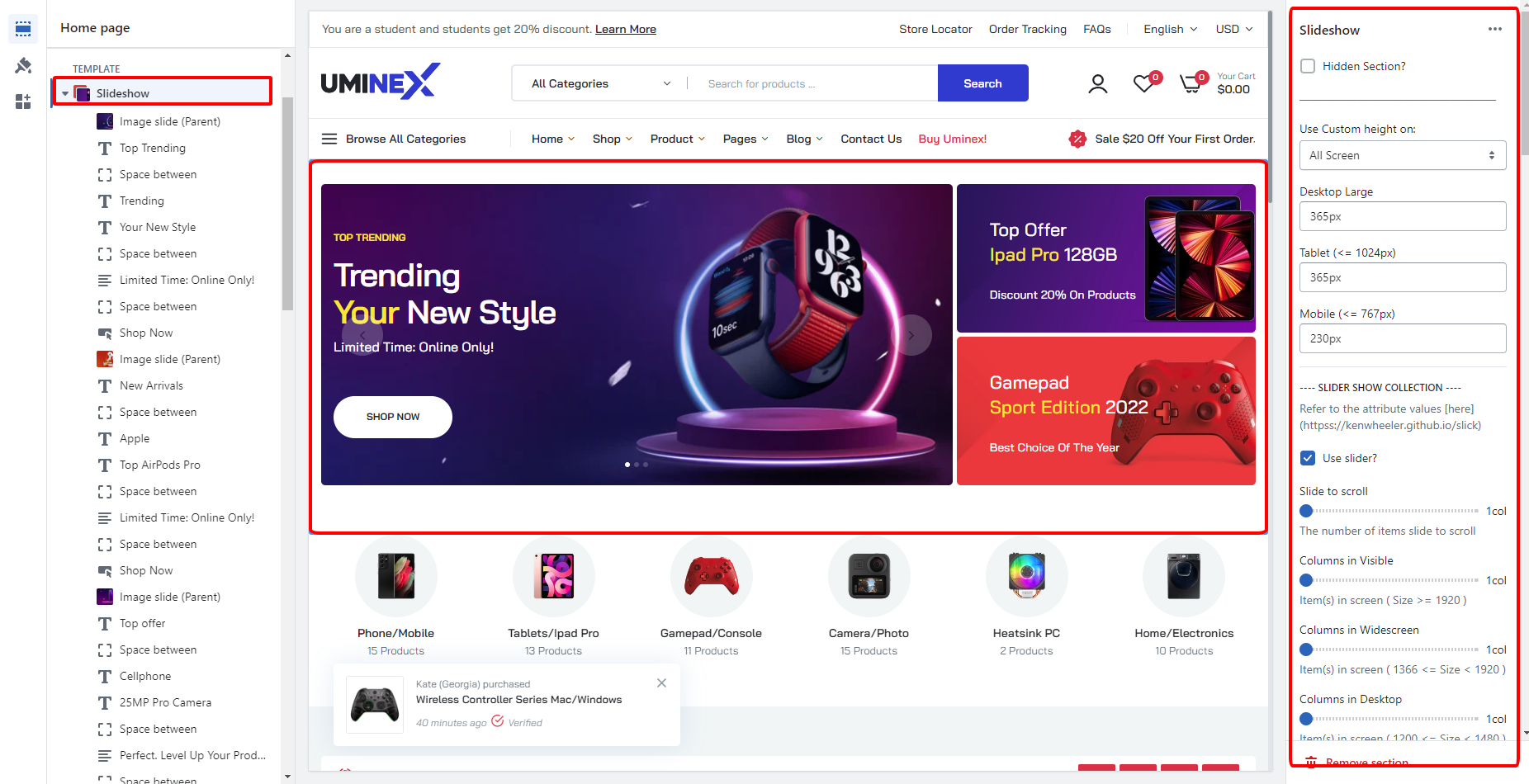
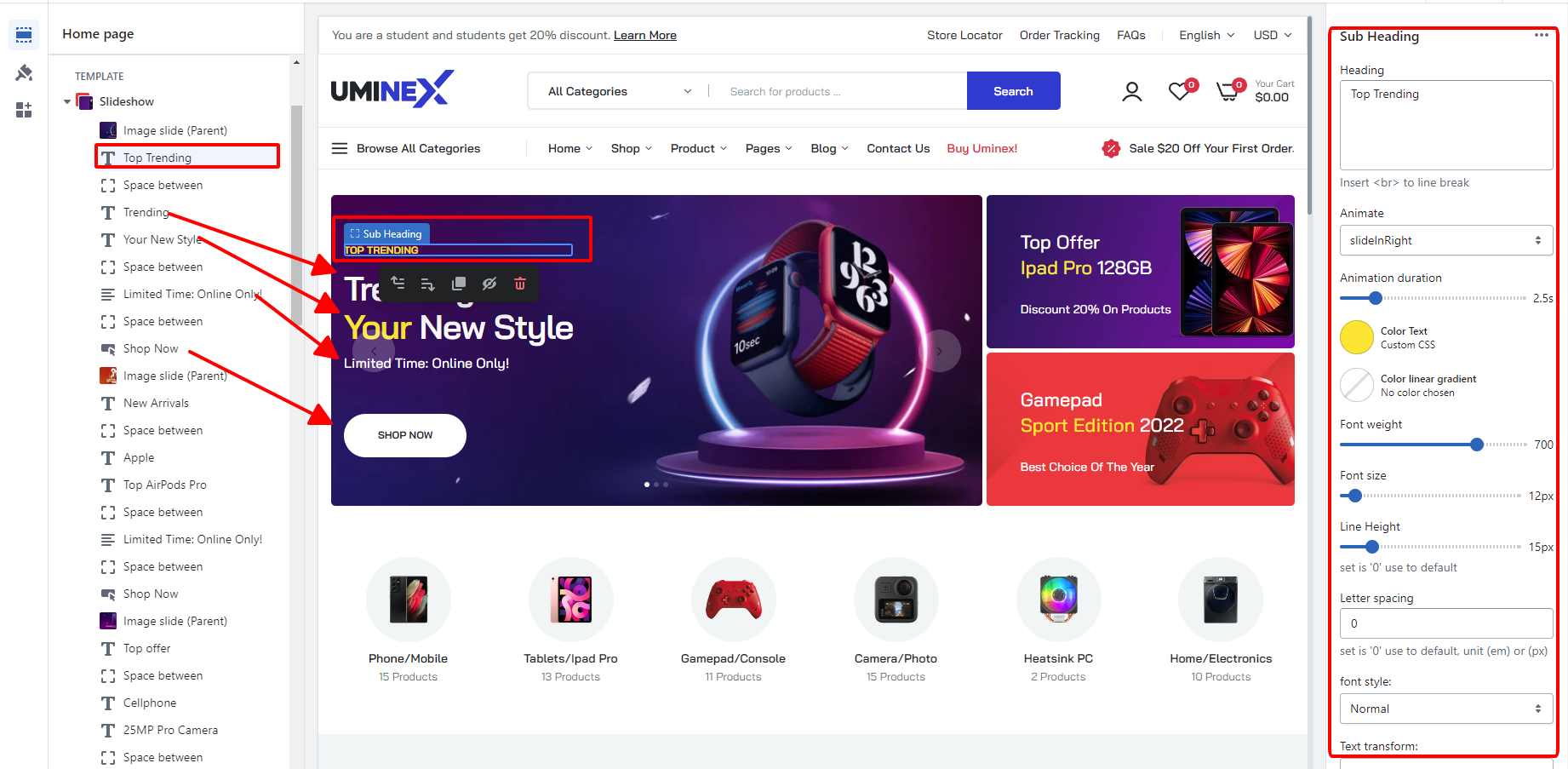
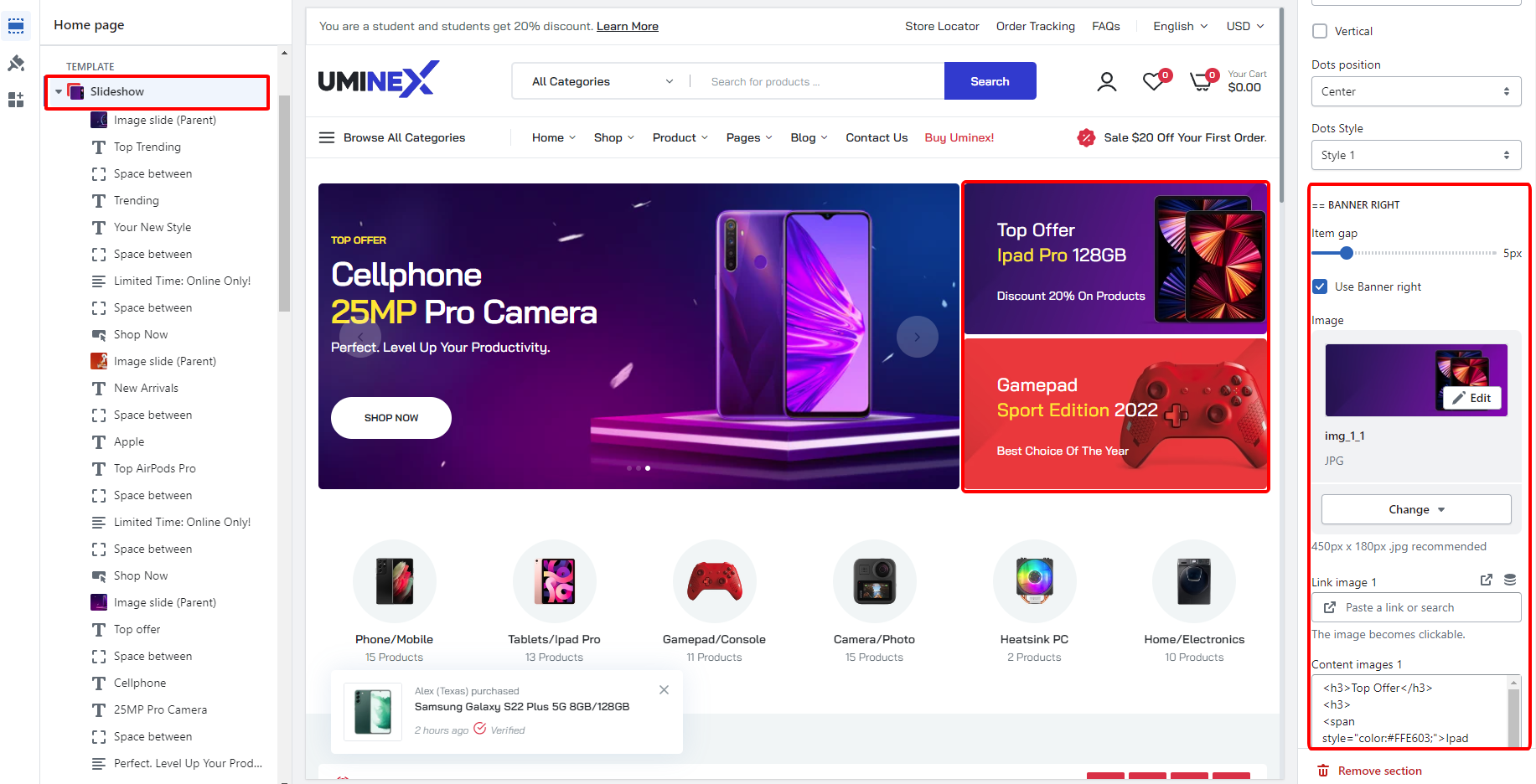
The slideshow, it is under the header and includes: Heading, Subheading, Space between and button elements. You can click on them and setting on the right panel.